
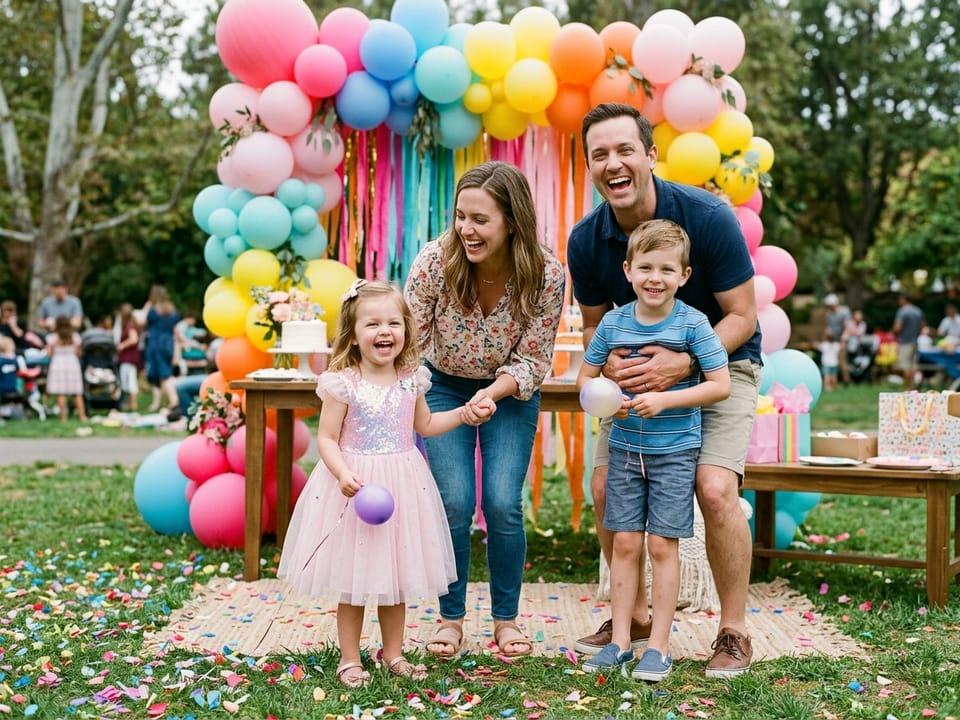
A first birthday photo invitation can't use a picture from the party, so the photo has to be taken weeks ahead, sometimes when your baby is only ten or eleven months old. Work backwards from the day guests should have the card, hold the phone upright with plain space left for the wording, and upload the original file: Minted, for one, wants at least 1560 × 2160 pixels for an edge-to-edge 5x7 card. Thank-you cards are the easier half of the job. Their photos come from the party itself, and the best one is usually a picture with that guest in it.
Count back from the day the invitation lands
Start with the party date and walk backwards. Paperless Post, which sells digital invitations, says most parents send first birthday invitations at least four weeks before the event, and its guide suggests at least six weeks for any child's party held at a venue. That is the date the invitation should reach people, not the date you start designing it.
A digital invitation keeps the chain short: take the photo, drop it into a template, send. A printed card adds the printer's production time, delivery to your door, addressing and stamping, then however long the post takes. Shutterfly's US shipping table counts production and delivery together: 6 to 10 business days for Economy, which carries no delivery-date guarantee, 5 to 7 for Standard and 3 to 4 for Rush. Canva quotes up to 8 business days for standard delivery of printed invitations, including 1 to 2 days of production. Shutterfly can also mail the finished cards straight to your guests through its Mail Cards For Me option, which saves the addressing but leaves you on USPS delivery times. All of these figures shift with the season and the option you choose, so check them in the cart before you set a shoot date. Then add a few spare days for the photo itself, because a baby who is nearly one doesn't always cooperate on the first attempt.
Put together, a venue party with mailed invitations can mean taking the photo about two months before the birthday. That's fine. Nobody expects the baby on the card to be the exact age they'll be at the party, and saving the real birthday pictures for the day keeps them fresh.
The calendar matters too. A December birthday means invitations travel alongside the holiday mail, and in the northern hemisphere it also means short days, so plan the shoot for late morning beside your brightest window. In New Zealand the same month is early summer and the end of the school year, when diaries fill quickly. If the guest list stretches across several countries, a digital card arrives everywhere on the same day, and you can still print a few for the grandparents who'd rather hold one.
A save the date is only worth sending if people need to travel or book time off, such as relatives flying in, or a party that shares a weekend with a christening. It can go out as soon as the date is fixed, with a simpler picture: bare feet, a small hand on a wooden number one, the back of a head looking out of the window.
Hold the phone upright and leave room for words
Decide the card format before you take the picture, because it decides how you hold the phone. In the US and Canada, printers quote sizes in inches, and 5x7 is a common invitation size; Canva prints its invitations at 5 x 7 in, in portrait or landscape. The UK, Ireland and New Zealand use ISO paper sizes such as A6 (105 × 148 mm) and A5 (148 × 210 mm). The Philippines adopted the ISO standard for government offices, but US Letter formats are still widely used in everyday life there, so check which one your printer works in.
The two systems are closer than they look. A 5x7 card has a ratio of 1.4 and every ISO A size is about 1.41, so a photo framed for one fits the other with almost no extra crop. A standard phone photo is 4:3, slightly squatter than both, so fitting an upright phone photo to either card shape trims a little off the left and right edges. Shoot upright and leave some background on both sides, and the crop will trim wall instead of an arm or an ear.
Then think about the text. An invitation carries a name, an age, the date and time, a place and how to reply, and all of it needs somewhere readable to sit: a plain wall, a sheet pegged up behind the high chair, open sky if you're outdoors. Put your child in one third of the frame and keep the rest quiet. A patterned rug, a full bookshelf or a balloon garland with letters on it will fight the type. If you've already picked a template, screenshot it and look at where the text box sits before you frame the shot. Take a few landscape frames too, with space to one side, for a folded card or an email header.
If you're mailing printed cards in the US, choose the envelope with the same care. USPS charges more for square envelopes, and its letters page currently lists the extra as $0.49 per nonmachinable letter. Rates change, and other postal services have their own rules for unusual shapes, so check before you order a hundred square cards. Envelopes aren't always part of the order, either: at Canva they come only if you tick the option to include them.