
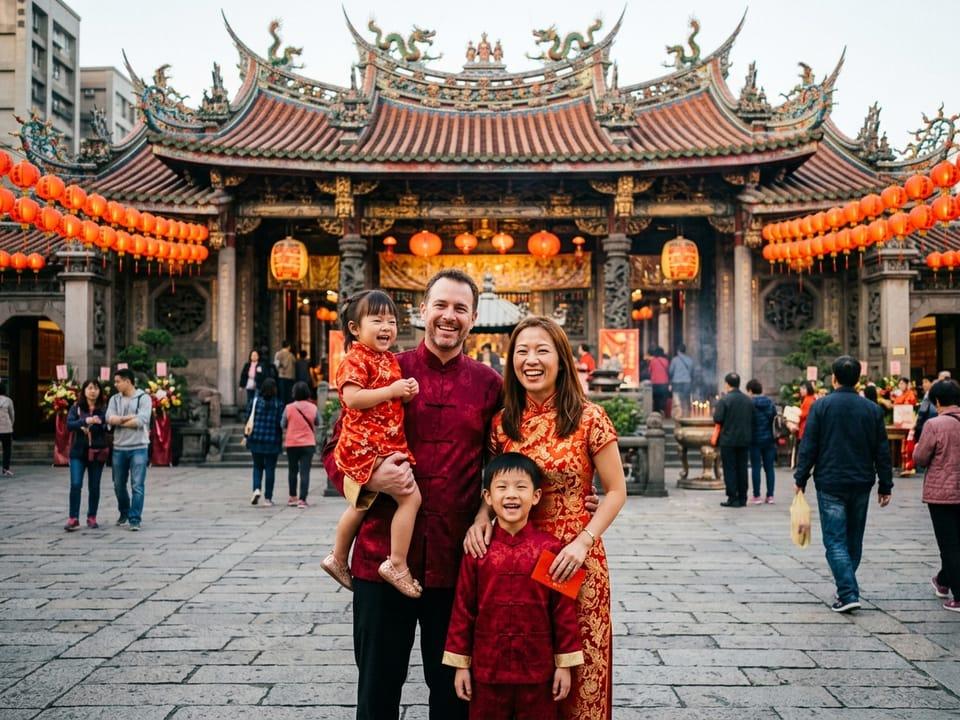
When someone can't make it home for Lunar New Year (過年), the family portrait (全家福) can still have everyone in it. There are three main ways: pay a retoucher to composite them in, edit it yourself in an app, or generate it with AI. Whether the result looks natural depends less on the method than on the photo the absent person sends: if the light direction, face angle and resolution match the family shot, neither a composite nor AI is likely to give itself away. On PRO360, a Taiwanese platform for hiring freelancers, photo compositing runs about NT$800–2,000 per image.
Three routes, different in who does the work and what it costs
| Retoucher's composite | DIY in an app | AI-generated | |
|---|---|---|---|
| Cost | About NT$800–2,000 per image | Free or an app subscription | Varies by service |
| Material | Family photo plus the absent person's | Same | A photo of each person |
| Natural look depends on | Matching material, retoucher's skill | Your skill and time | Photo quality; check every result |
| Revisions | As agreed | Any time | Regenerate |
| Suits | A large print for the living room | Viewing on phones and in chats | Families spread out with no shared backdrop |
PRO360's price guide, built from quotes on the platform between 2024 and 2026 (checked in October 2026), puts photo compositing at about NT$800–2,000 per image, cutting out a person at NT$100–800, and detailed portrait retouching at NT$1,000–1,800. Resolution, background complexity, how many people or elements go in, and whether the original is under- or over-exposed all affect the price. The page doesn't say how many revisions are included, so ask before you commission: how many rounds, how many days, and whether you need to book early before the holiday.
Editing it yourself costs time rather than money. Cutting someone out and pasting them in is the easy part; the hard part is making the light, shadows, edges and body proportions look as if everyone stood in the same room. AI works differently: each person supplies a photo and the system generates a new group picture. You can choose the setting and clothes again, but check every face, hand and clothing detail, and regenerate anything that doesn't look like the person.
Ask the absent person to take their photo like this
Whatever you choose, the photo from the person who's missing deserves the most care. Start by deciding where the family photo will be taken and where the light comes from. If the living-room window is on everyone's left, ask them to stand with a window on their left too, facing the light. Match the camera height: if the family stands, the phone should be at chest height, not held low for a selfie. Match the distance as well; full-length family photo, full-length portrait.
A plain wall makes cutting out easiest. Coordinating colours helps, and the reds and warm tones people often wear at New Year work well. Have them send the original file as a document or cloud link, not a screenshot or a frame grabbed from a video call; the resolution difference is large. A few shots with different expressions give you room to choose.
If they're abroad, a photo taken in daylight by a window where they are will be far easier to work with than one under indoor lights at night. If the missing person is a child, say a grandchild spending New Year elsewhere with their parents, use a photo from the past few weeks; children's faces change quickly, and grandparents will spot a six-month-old picture at once. Finally, let the person pick the shot they like best.