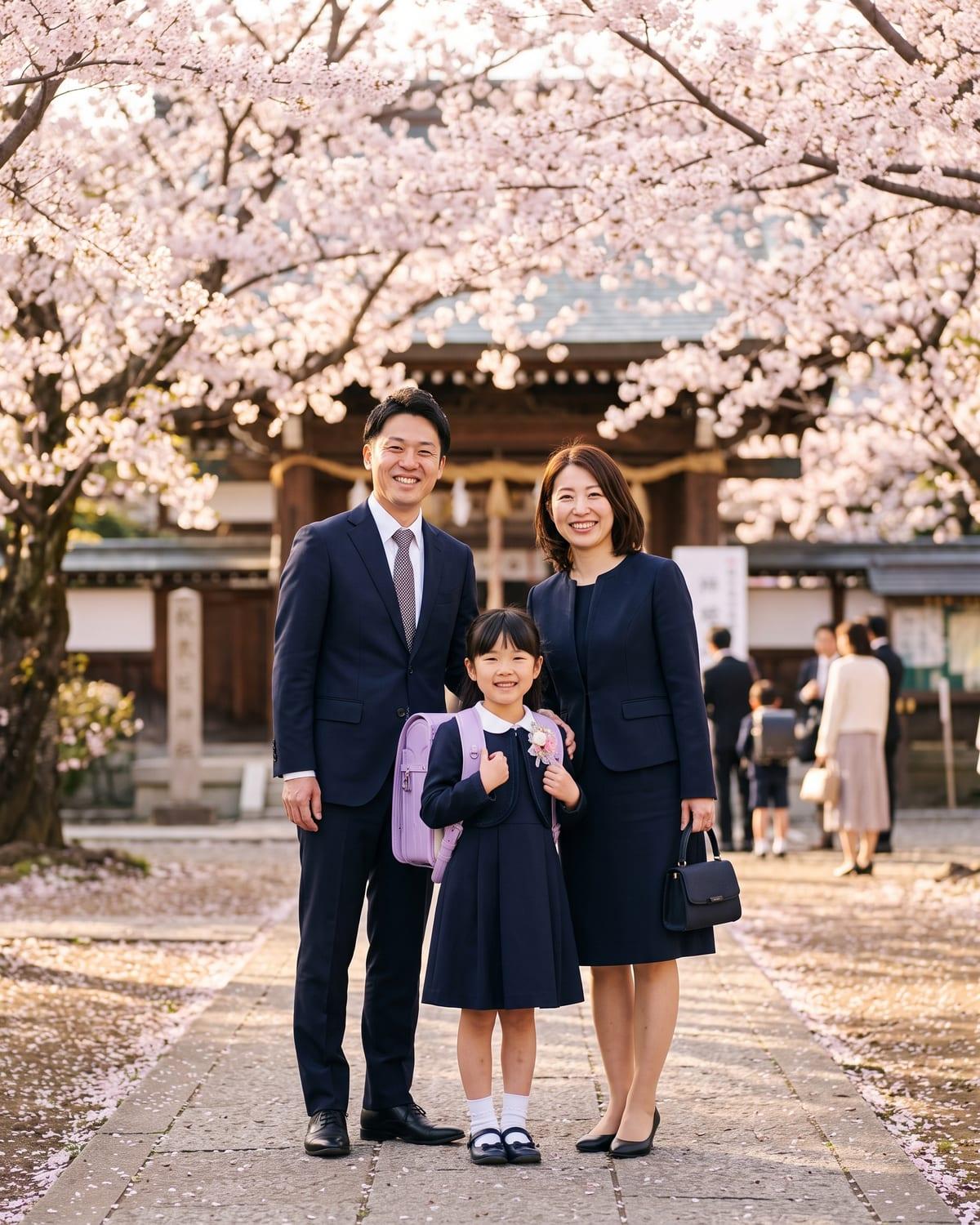
The Nyuenshiki, the entrance ceremony Japanese kindergartens and daycares hold for new children each spring, usually takes place in a hall, playroom or gym, and coming in from outside, these rooms are darker than you'd think. In low light, phones and cameras use slower shutter speeds, so your child's face comes out blurred or grainy. Get there early and take test shots, then lock the brightness. Keep zoom within what your phone handles well. Decide whether video or photos come first. Do all of this before the ceremony starts, so you aren't fiddling with settings during it.
Before it starts, take test shots from your seat
One of the most common entrance-ceremony photo complaints is that the hall was darker than expected. The children's photo studio chain Studio Alice also recommends getting to the venue early on the day to check the lighting and take a few test shots.
Once you're seated, take a few pictures aimed at where the children will sit and where your child will stand when their name is called. Check two things: whether faces are too dark, and whether outlines look blurred when you zoom in on the image. If it's dark, raise the brightness; if it's blurred, zoom less or change how you hold the phone. In a dim hall, the phone screen itself looks bright, so a shot that looks fine there can turn out dark when you look at it at home. Treat a test shot that feels slightly too bright as about right.
In a hall with windows, a child sitting with the window behind them will have a dark face from the backlight. You usually can't choose where they sit, so adjust with brightness compensation instead.
On a phone, set the brightness and lock it
A phone camera re-decides brightness and focus every time you frame a shot. In a dark hall, it gets pulled around by the dark walls behind or the bright lights above, and your child's face ends up too dark or blown out.
On an iPhone, touch and hold on your child's face on screen until "AE/AF Lock" appears; focus and exposure are then fixed at that point. Drag your finger up or down on the screen to adjust brightness. Many Android phones have a similar feature, where you tap to set focus and exposure and use a slider to change brightness. Lock in the level you settled on during your test shots, and during the ceremony all you have to do is raise the phone and shoot.
How you hold the phone reduces shake as well. Hold it in both hands with your elbows tucked into your body. If you're shooting from your seat, resting your elbows on a bag on your lap steadies it a lot.
Turn the flash off. It disrupts the ceremony and doesn't reach very far anyway, so you often end up with only the back of the head in front of you lit up.
Keep zoom at the levels your phone does well
The parents' seats are farther from the children than you'd expect, and it's tempting to pinch the screen to zoom in. But every phone has zoom levels where it keeps image quality best. If your camera screen shows buttons like "1x," "2x" or "3x," those are the levels your phone handles well. Go far beyond them and faces get grainy, especially in a dark hall.
Rather than forcing it, shooting a bit wider at one of those levels and cropping later usually gives a cleaner result. Turning on the grid helps you keep the horizon level when shooting wide, so the tilt doesn't show once you crop.
Shutter sound, burst mode and stills during video
Turning off the shutter sound is often listed as entrance-ceremony etiquette. How phones handle the shutter sound depends on the country or region where they were sold, though, and iPhones sold in Japan play it even in silent mode. Turning on Live Photos can make the sound less noticeable, but that depends on the situation. Test at home what your phone does. If it does, think about taking fewer shots during quiet moments.
For split-second moments, like answering when their name is called or receiving something from the principal, a burst gives you several frames to choose one where their eyes aren't closed. How to shoot a burst differs by phone and software version, so try it once the night before. If a string of shutter sounds would be too noticeable, record video instead.
If you want both video and photos, you can take stills while filming. If your phone shows a separate still-photo shutter button while recording, just tap it. Also decide beforehand whether to film in landscape or portrait: landscape is easier to watch on a TV, portrait is easier on a phone if you'll be sending it to family.
On a camera, set auto ISO and a minimum shutter speed
If you're bringing a DSLR or mirrorless camera, set it up the night before. Indoors in low light, a low ISO means a slow shutter speed, which makes camera shake and subject movement more likely. Nikon's guide explains that raising ISO in these situations lets you use a faster shutter speed and avoid blur. It also notes that raising ISO too far makes noise and graininess more visible, so it recommends not going higher than you need to while keeping image quality.
The easiest approach is to leave ISO to the camera (auto ISO, or ISO sensitivity auto control) and set a minimum shutter speed. For family photos, Nikon suggests a minimum shutter speed of around 1/200 second to make subject blur less likely. Children are seated for most of the ceremony, so that's usually enough.
Don't use the flash, and if your camera has a quiet or silent shutter mode, turn it on. Whether you can use a tripod during the ceremony varies by school, so check the notice before deciding to bring one.
The real shoot happens before and after the ceremony
However well you set things up, during the ceremony you're stuck in your seat, shooting between the heads in front of you. Once you've got one frame of your child's name being called, it may be better to just watch them. What to shoot and when to hold back is covered in our Nyuenshiki photo etiquette guide, and what to pack in our entrance ceremony checklist. The photos with the best expressions come before and after the ceremony, in a bright schoolyard or classroom.
References